



Programming
Beginner Level
Hands-on Labs
In-browser IDE
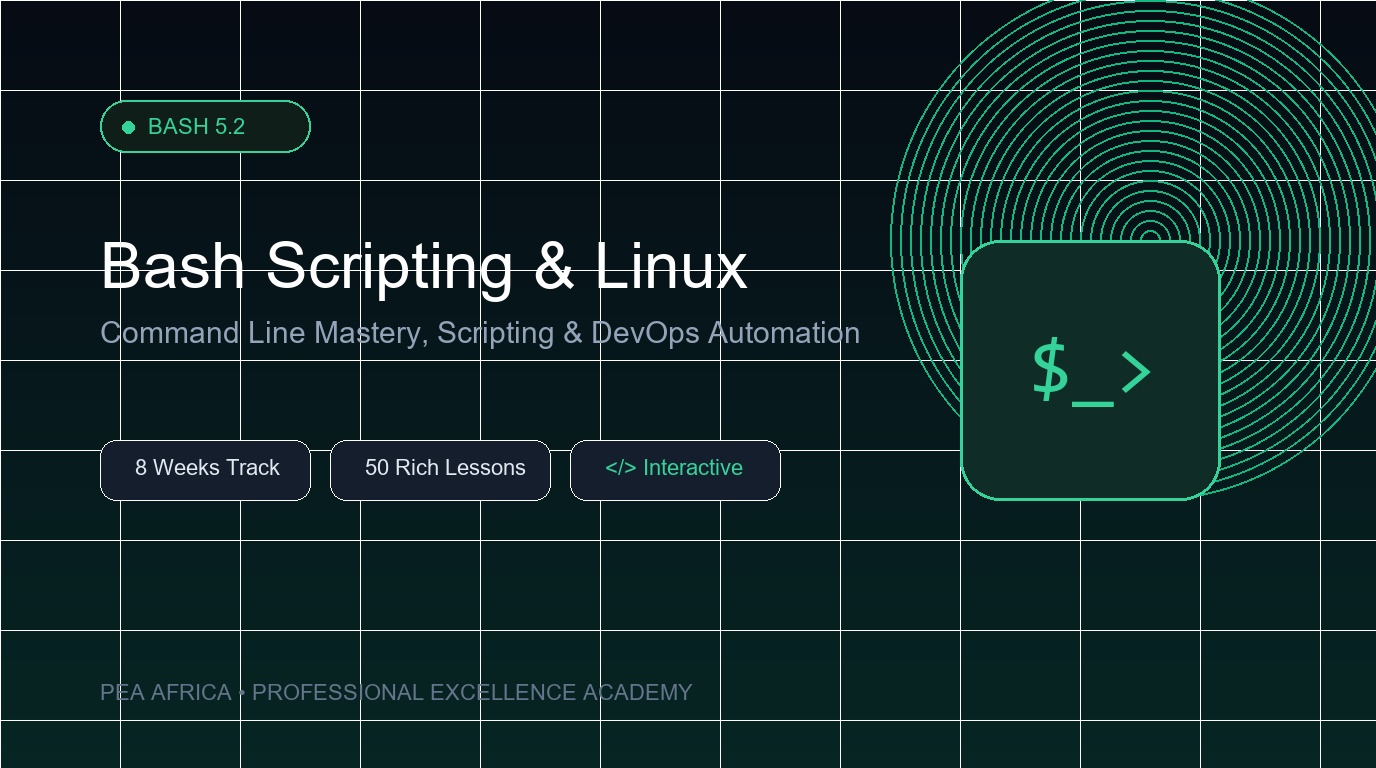
Bash Scripting & Linux Shell: Command Line Mastery to Automation
Master GNU Bash 5.2 and the Linux command line from fundamental file navigation and text manipulation with grep, sed, and awk, to advanced process control, networking, and production shell automation scripts.
What You'll Learn in This Course
Master Linux terminal navigation, file management, and directory operations
Filter, transform, and analyze enterprise text streams with grep, sed, and awk
Manage Linux permissions, user/group ownership, and secure file archives
Monitor processes, inspect memory, storage, and server uptime metrics
Automate workflows with bash variables, loops, conditionals, functions, and cron jobs
Course Syllabus & Curriculum
8 Modules · 50 Lessons
Week 1
Module 1: Linux Terminal Fundamentals & Navigation Mechanics
Introduction to GNU Bash & POSIX Shell Architecture
FREE
20 min
Getting Started: Shell Startup Scripts & Terminal Prompts
FREE
20 min
Essential Commands & Working Directory Inspection
20 min
Directory Traversal & Advanced File Listing (cd, ls)
20 min
Creating Files & Hierarchies (touch, mkdir -p)
20 min
Command Documentation & Discovery (man, info, type, help)
20 min
Customizing Commands & Persistent Shell Aliases (alias)
20 min
Week 2
Module 2: File Operations & Text Stream Inspection
Week 3
Module 3: Advanced Stream Processing: Grep, Sed & Awk
Week 4
Module 4: Linux Permissions, Access Control & Archiving
Week 5
Module 5: Process Control, System Metrics & Hardware Resources